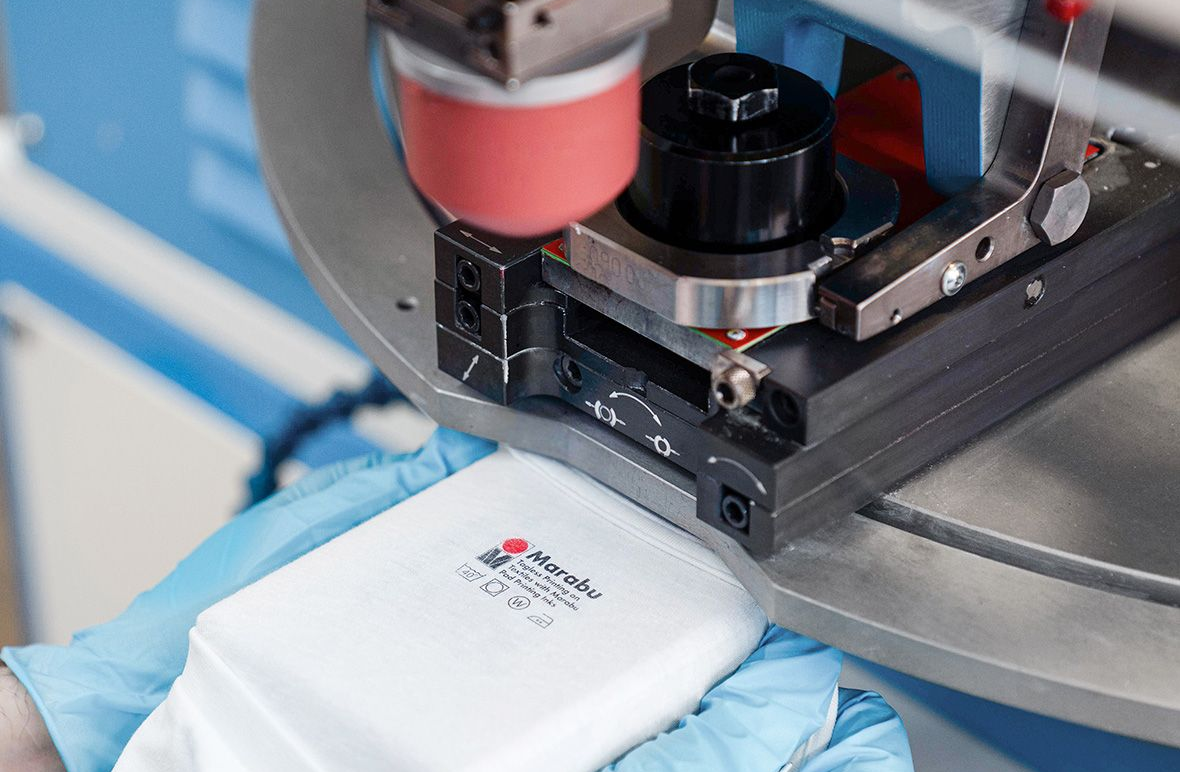
Pad printing is a highly versatile and efficient technique for decorating and labeling a wide variety of products. It excels at adding sleek logos and designs to consumer goods, imprinting critical identification on medical devices, and enhancing automotive control panels with precision. Across industries, pad printing delivers unmatched adaptability and detail.
Proper maintenance of pad printers is a full time job and essential to ensure consistent and high-quality printing results. Improper maintenance of pad printers can result in low-quality designs and even cause your printer to malfunction. In this guide, we’ll walk you through the essential steps and tips for effective pad printer maintenance to keep your printing jobs looking fresh, pristine, and crisp.
Cleaning Your Pad Printer

A well-executed cleaning regimen is the cornerstone of preserving your pad printer’s longevity and achieving optimal print quality. Here’s what to consider when cleaning your pad printing equipment:
- Disassembly: Begin by disassembling critical components of your pad printer, such as the pads and ink cups. Removing these components lets you see all the areas where ink residue and debris can accumulate. Follow the manufacturer’s instructions to disassemble the ink cups and pads safely and effectively.
- Pre-Cleaning Inspection: Before cleaning, meticulously inspect the pads and ink cups. Look for signs of dried ink, residue buildup, and wear and tear. Identifying potential issues in this state can guide your cleaning efforts.
- Choose the Right Cleaning Agents: Pick cleaning agents made for pad printers. Using the wrong solvents, like dish soap, can harm these delicate parts and hurt the printer’s performance. Special cleaning agents are made to break down ink and dirt without damaging your printer.
Be careful with how much cleaning solvent you use. Usually, only a small amount is needed. We offer pad cleaning solvents made just for pad printers here.
Inspect Your Pad, Ink Cups, and Plates

Your printing plates, ink cups, and pads are the essential tools of your pad printer that must be maintained to guarantee the integrity of each print for your printing products. These components directly impact alignment, ink transfer, and overall print quality. Here’s how to check your pad printing pads and plates:
- Printing Plates: Regularly examine the printing plates for any signs of wear, corrosion, or damage. Over time, the plates of your pad printer can become scratched or etched, which leads to inconsistent prints. Replace any plates that show signs of deterioration.
- Printing Pads: Like how you inspect your printing plates, check your printing pads for any signs of wear and tear. Remember that places with uneven surfaces can result in inconsistent ink transfer and smudged prints. Replacing pads as needed will ensure optimal ink pickup and consistent results in printing quality.
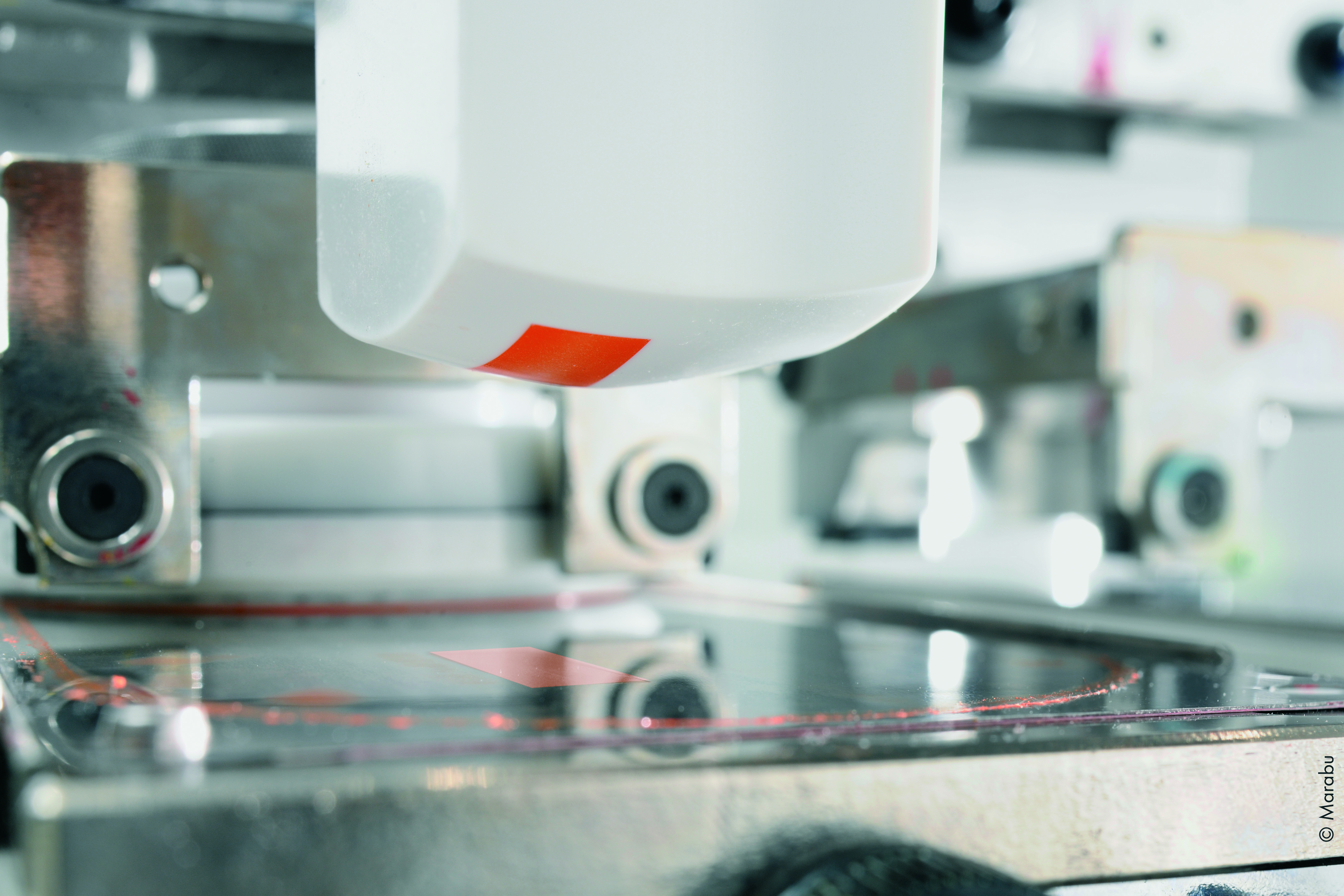
- Ink Cups: Check if any ink cups have cracks or dents. Cracks in the ink cups can cause ink to leak or even clog the system. Replacing your plates, ink cups, and pads in a timely manner will extend the longevity of your pad printer.
Check Your Pad Printer’s Location
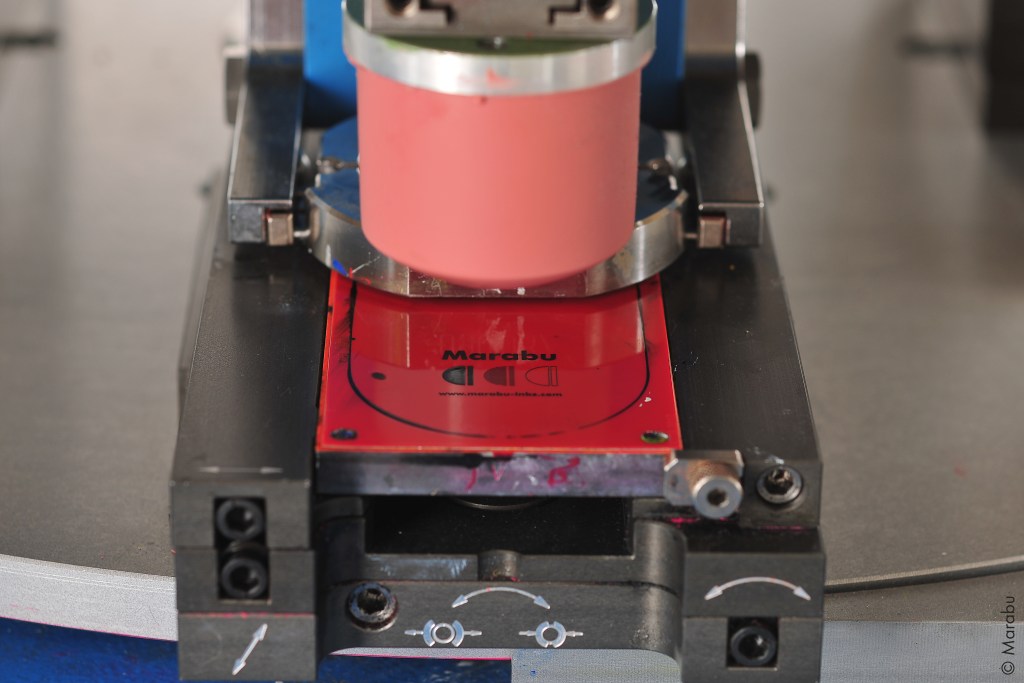
For the best performance, consider where you are storing your pad printer. Extreme temperatures and humidity can negatively impact your pad printer’s components and even prolong ink drying times.
Try not to place your pad printer right by the window since harsh UV rays from sunlight can lead to premature wear and tear. In addition, remember that high humidity can lead to longer ink drying times, resulting in smudges and decreased quality in your printing jobs. Having dehumidifiers in your printing room can help ensure consistent printing conditions.
Dust can also settle onto your printer and end up on the ink cups, plates, and pads. Regularly dust your pad printer so that dust particles don’t clog the interior components. Sweeping the surface areas with a dry cloth will suffice.
Use High-Quality Inks
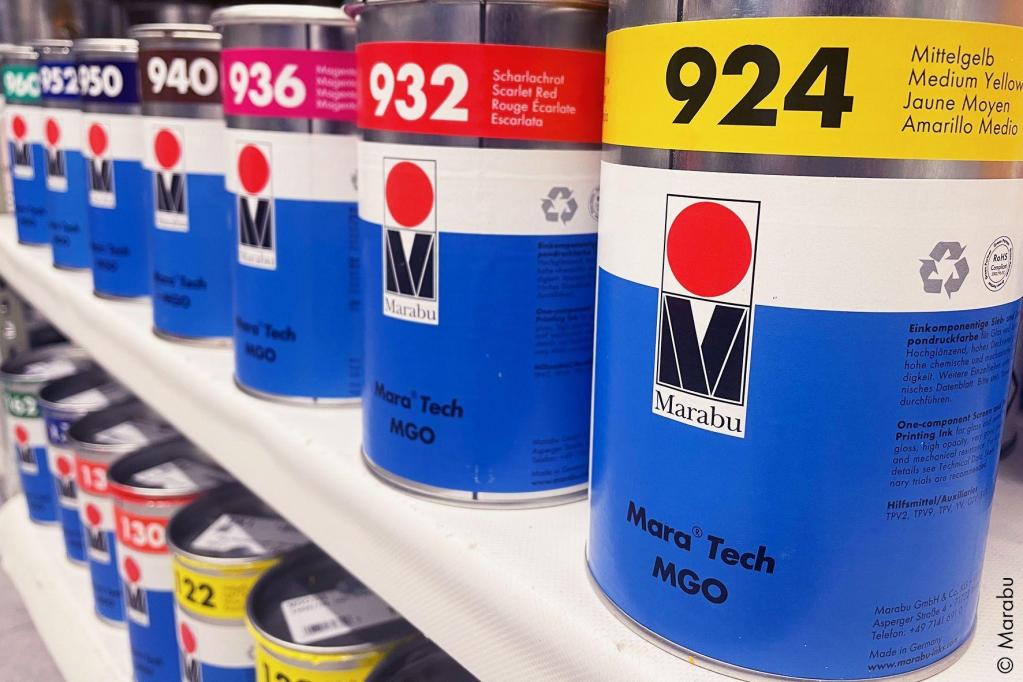
Using high-quality inks is a critical aspect of maintaining the health of your pad printer, and it directly impacts both the quality of your printing job and the equipment. Here’s what you can do to enhance your pad printer’s performance:
- Select High-Quality Inks: Invest in premium pad printing inks from reputable manufacturers. These inks are formulated with precision to ensure consistent pigmentation and adhesion properties. Choosing high-quality inks will reduce the risk of clogging and uneven printing.
- Ink Compatibility: It’s essential to stick to a single brand and type of ink for each color to avoid compatibility issues. Mixing different ink brands can lead to unpredictable results and even complications for your pad printing machine.
- Perform Ink Testing: Conducting thorough ink compatibility testing is beneficial before starting any printing job. This means putting the chosen ink on a sample of your material. Then check how well it sticks, the color accuracy, and how the ink reacts to heat, chemicals, and UV light. This initial testing will reduce the risk of unexpected issues with your pad printer during full-scale production.
- Pad Printing Inks Auxiliaries & Additives: By being informed of the auxiliaries and additives that are used for pad printing, you’ll be better equipped to use them properly. You can see our complete guide on pad printing ink auxiliaries and additives here.
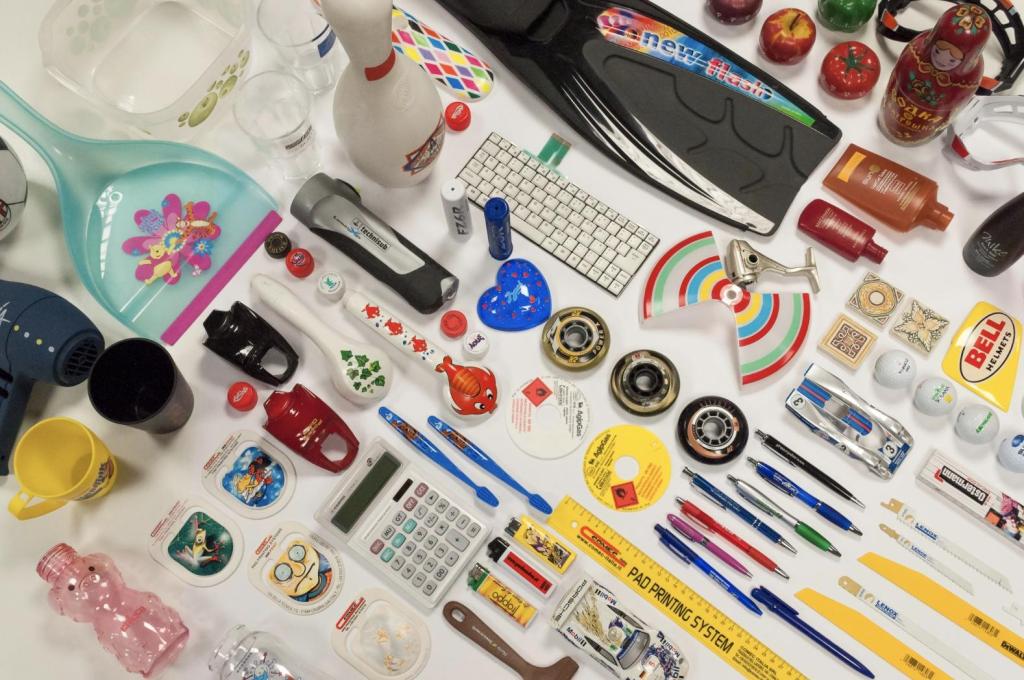
Regularly check how your ink performs and the quality of your prints. If you see any problems, we suggest testing a different ink brand. We offer many types of pad printing inks, carefully made for color consistency and to stick to specific surfaces.
We also provide a free service to test our inks on your products. Our ISO-certified pad printing inks work well with all common printing machines. Reach out to your printing partners today to try our high-quality inks.